Intro
One of the most time-consuming parts of my design process used to be prototyping. Exploring ideas in Figma was the fun part, but turning them into multiple interactive, end-to-end prototypes? Not so much.
I’d spend hours creating frames, wiring up interactions, and making sure everything connected with endless spaghetti lines. While it's satisfying for it to finally come together, sometimes after all that work, I’d realize that the direction I committed to wasn’t actually the best solution. This would then cue another round of reworking screens and untangling prototypes, followed by probably another round.
AI has changed how I approach this.
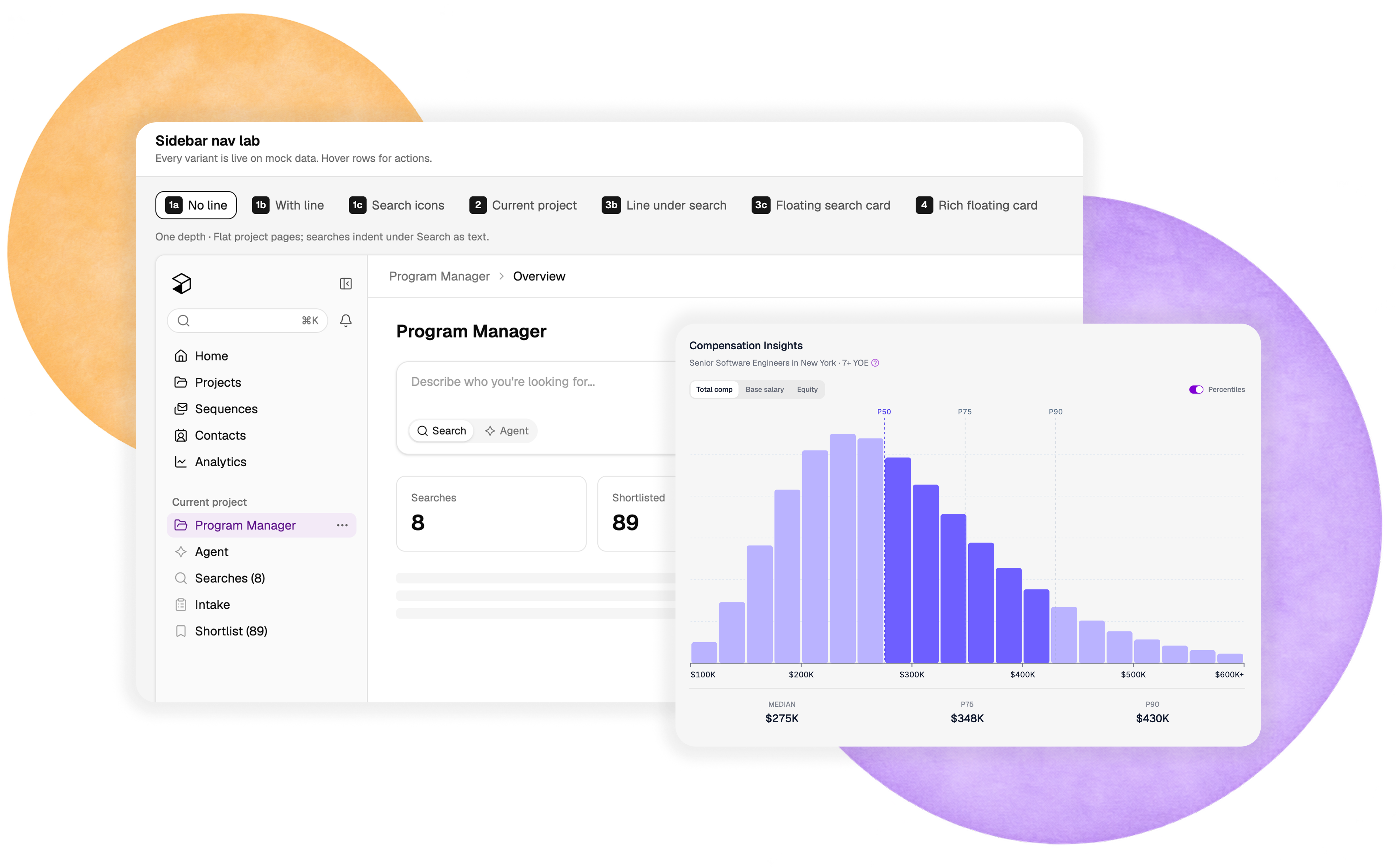
At Juicebox, we’ve been experimenting with bringing code into our design process earlier. Rather than fully fleshing out a direction in Figma before testing it, we've started building UI labs: small, interactive playgrounds where we can explore different design permutations and see how they hold up in practice.
Knowing when to leave Figma
I will always love Figma and her infinite canvas. It’s where I start most projects, dumping my raw ideas into a blank page, exploring layouts, and figuring out how to piece together the UI.
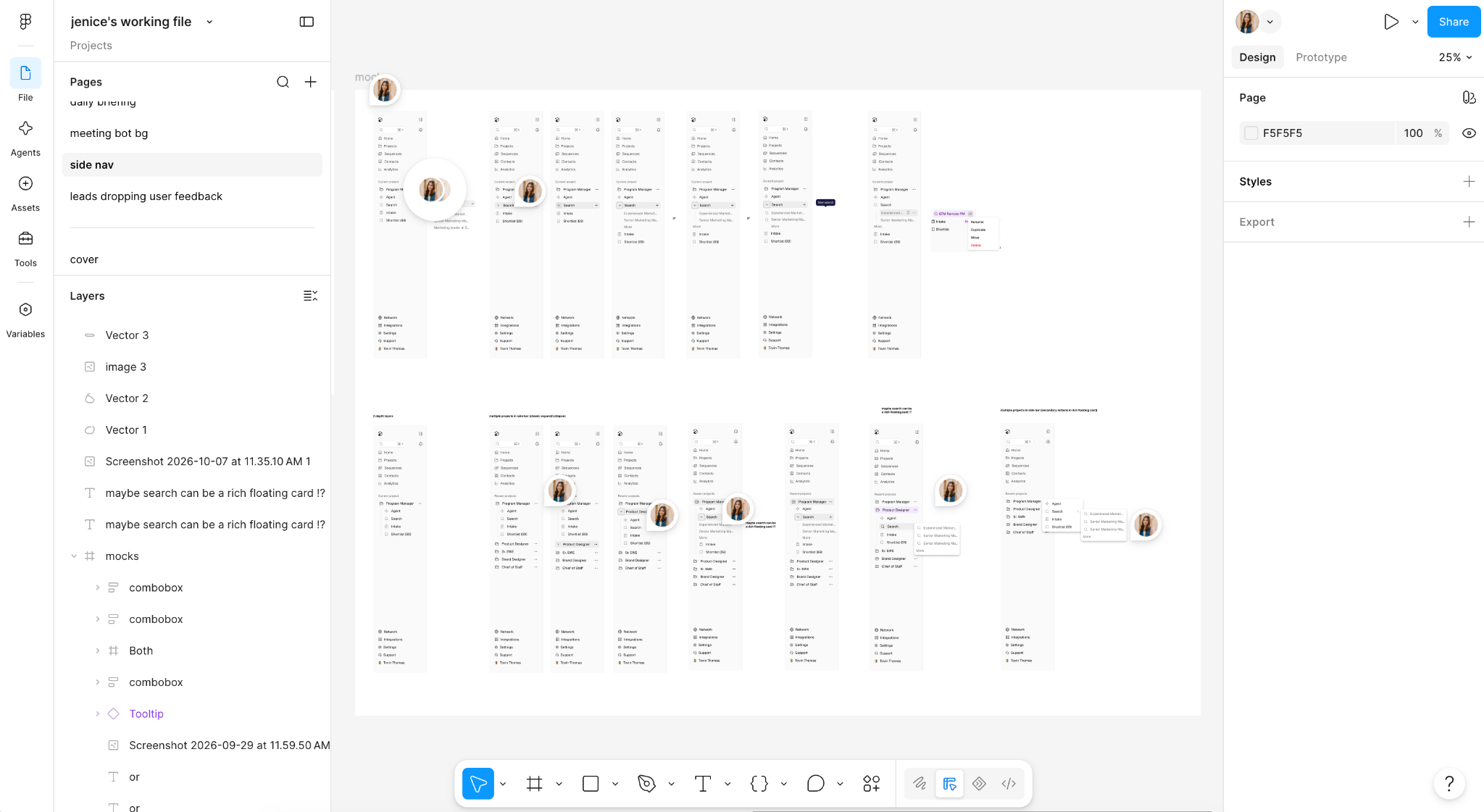
But lately, I’ve become more intentional about when to move into code, which usually means sooner than later. Once I have a few promising directions, I’ll spin up a lab with AI coding tools (these days Cursor or Codex) instead of continuing to build out every screen in Figma.
I always invest a decent amount of time planning out the lab with my coding agent, sharing the product context, what I’m trying to explore, and which variables or interactions I want to test. The agent and I go back and forth on the approach before it starts building anything. Through trial and error, I’ve found that having a clear plan upfront makes a huge difference. The goal isn't to let AI blindly generate a bunch of UI, but to build something intentional that helps me answer specific design questions.
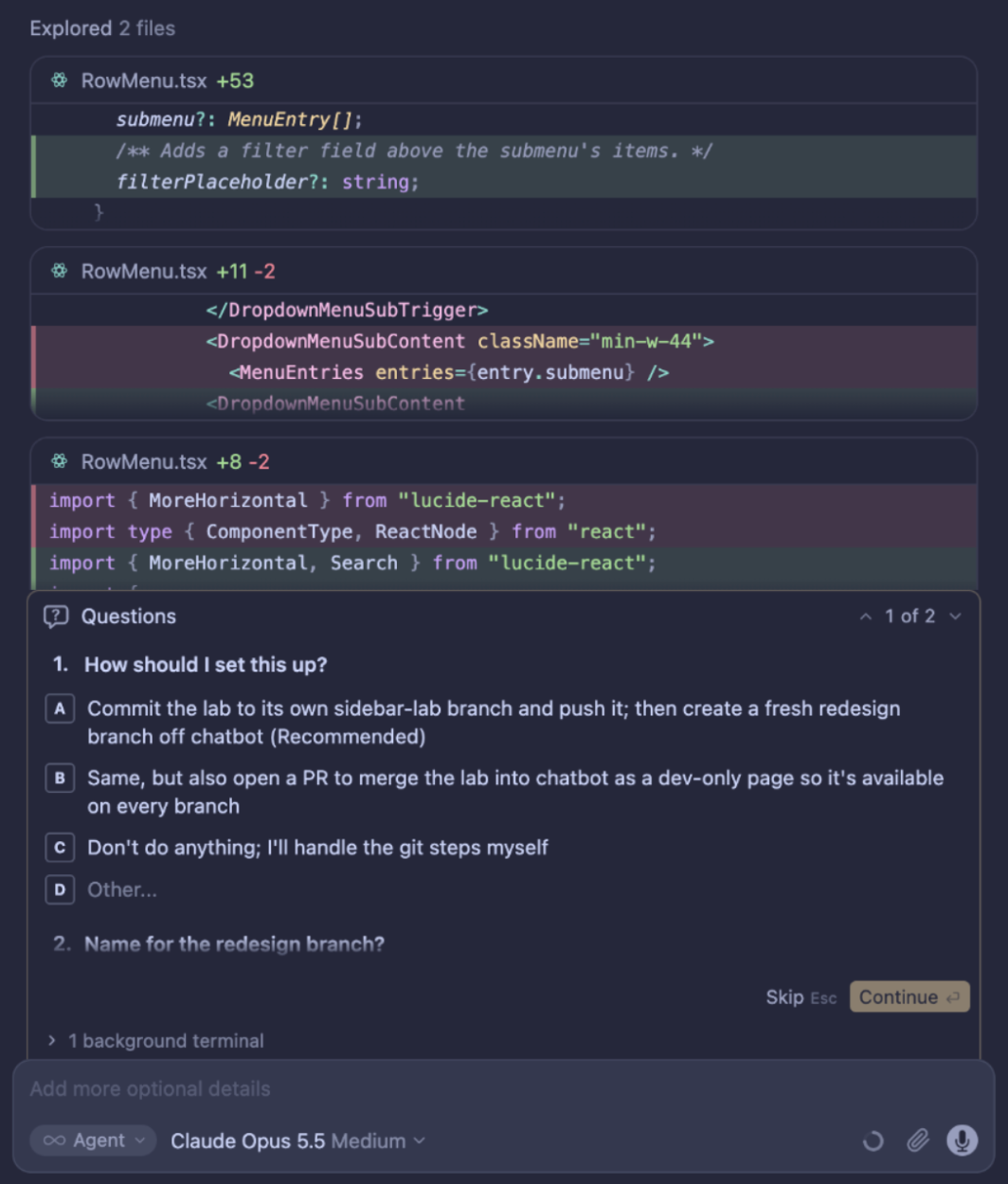
With our repository already connected, agents can draw directly from our existing design system to generate mockups that feel native to our product.
The distinction here is that I'm not trying to build a polished prototype of one direction – I'm building something I can experiment with. I can swap between layouts, toggle different states, change content, and see how the experience responds, all without manually wiring up dozens of frames.
It's a different way of thinking about prototypes: less as something to present at the end of exploration, and more as a tool to explore with.
A peek inside our UI labs
Here are a few ways I’ve been putting this into practice across projects at Juicebox.
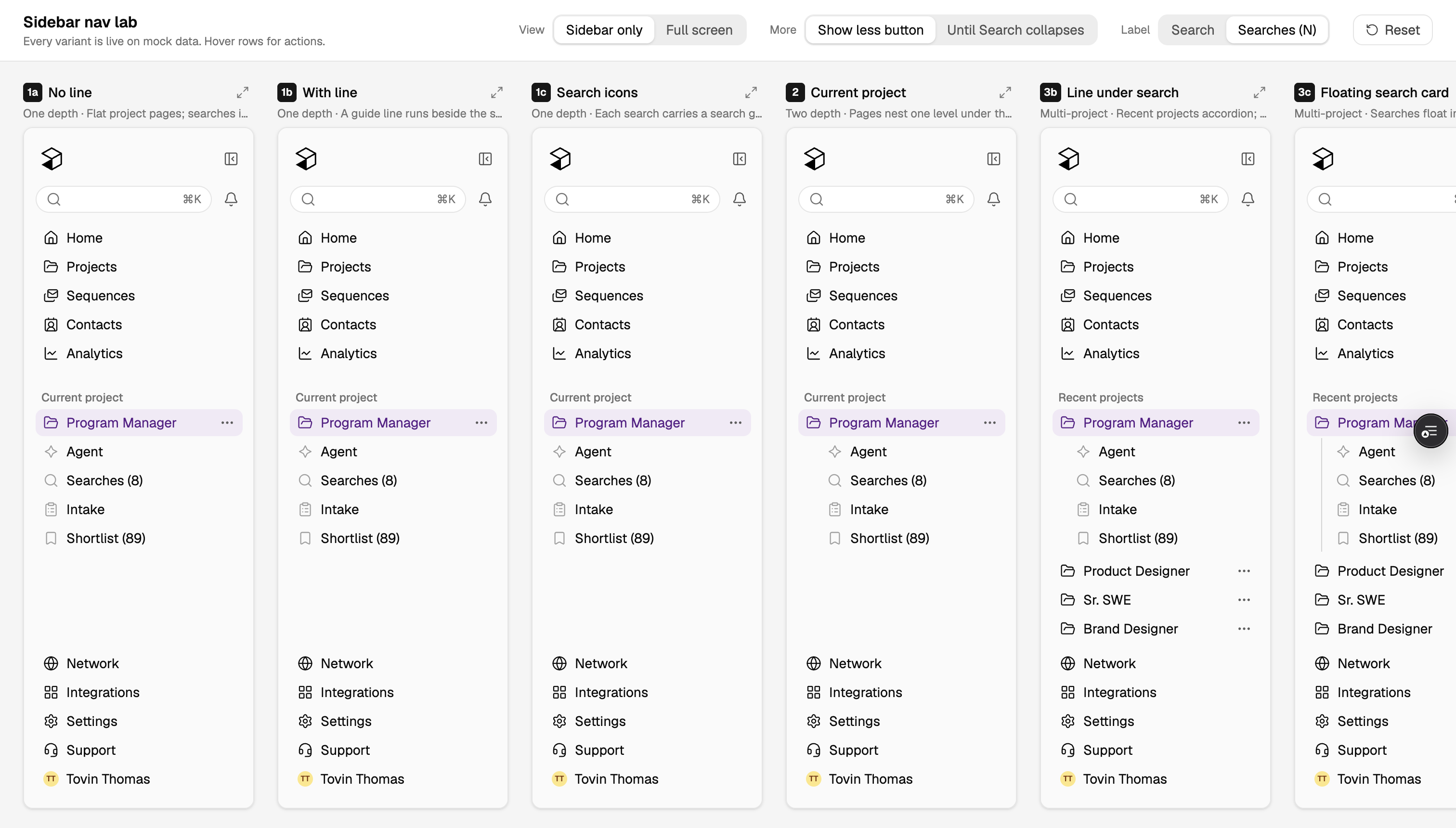
1. Rethinking our sidebar navigation
Exploring different navigation hierarchies and interactions as our product grows more complex, from how users move between projects to nitty-gritty details like chevron animations and padding.
2. Redesigning our Chrome extension
Stress-testing UI variations across ~20 profile states, edge cases, and different panel widths, all within the extension's limited screen real estate.
3. Exploring Compensation Insights
Comparing different ways to visualize salary distributions, benchmarks, and chart interactions without having to manually prototype every variation.
More than speed
Speed is the obvious benefit here, but what I've appreciated most is how it's changed where I spend my time.
I'm less caught up in the manual work of maintaining prototypes and more focused on the actual design questions. It's also pushed me to think beyond individual screens and consider the systems behind them: different states, behaviors, and how components respond to one another.
I don't think every designer needs to become a software engineer, but there's something empowering about being able to bring your ideas closer to the actual product. I can understand technical constraints earlier, have more concrete conversations with engineers, and experiment with ideas that might otherwise have stayed on the canvas.
Of course, AI doesn't replace design judgment. It can help us build and explore possibilities, but knowing which ones are worth pursuing is still our job.
I'm sure this workflow will keep evolving as the tools do, but for now, I've really enjoyed having another medium to think in.
Figma is still where I explore freely. Code is where I see how my ideas behave. And AI has made the distance between the two a lot smaller.